网站维护指南
网站维护指南
网站架构
本网站使用 Academic Pages 模板,基于 Jekyll 静态网站生成器构建,托管于 GitHub Pages。
- 模板来源: https://github.com/academicpages/academicpages.github.io
- 部署方式: 推送代码到 GitHub
main分支后自动部署 - 访问地址: https://www.gaoruiyang.cn
目录结构
BoneyBrandenburg.github.io/
├── _config.yml          # 网站全局配置
├── _pages/              # 页面内容
│   └── about.md         # 首页/关于页面
├── _publications/       # 论文列表
├── _data/               # 数据文件
│   └── navigation.yml   # 导航菜单
├── images/              # 图片资源
│   └── profile.jpg      # 个人头像
└── CNAME                # 自定义域名配置
如何修改内容
1. 修改个人基本信息
编辑 _config.yml:
# 网站标题
title: "Ruiyang Gao | 高睿杨"

# 作者信息
author:
  name: "Ruiyang Gao"
  bio: "Ph.D. in Computer Science at Peking University"
  email: "railgun@gaoruiyang.cn"
  googlescholar: "https://scholar.google.com/citations?user=3utn_nYAAAAJ"
2. 修改个人简介
编辑 _pages/about.md:
---
permalink: /
title: "About me"
author_profile: true
---

你的个人简介内容...
3. 添加新论文
在 _publications/ 目录下创建新文件,文件名格式:YYYY-MM-DD-论文标题.md
示例:
---
title: "论文标题"
collection: publications
category: conferences
permalink: /publication/2024-paper
date: 2024-01-01
venue: '会议名称'
citation: '作者列表. (2024). "论文标题." 会议名称.'
---
论文简介...
4. 修改导航菜单
编辑 _data/navigation.yml:
main:
  - title: "Publications"
    url: /publications/
  - title: "CV"
    url: /cv/
如何更新网站
修改文件后,执行以下命令:
cd /root/.openclaw/workspace/BoneyBrandenburg.github.io
git add .
git commit -m "更新描述"
git push origin main
等待 2-5 分钟,网站会自动更新。
注意事项
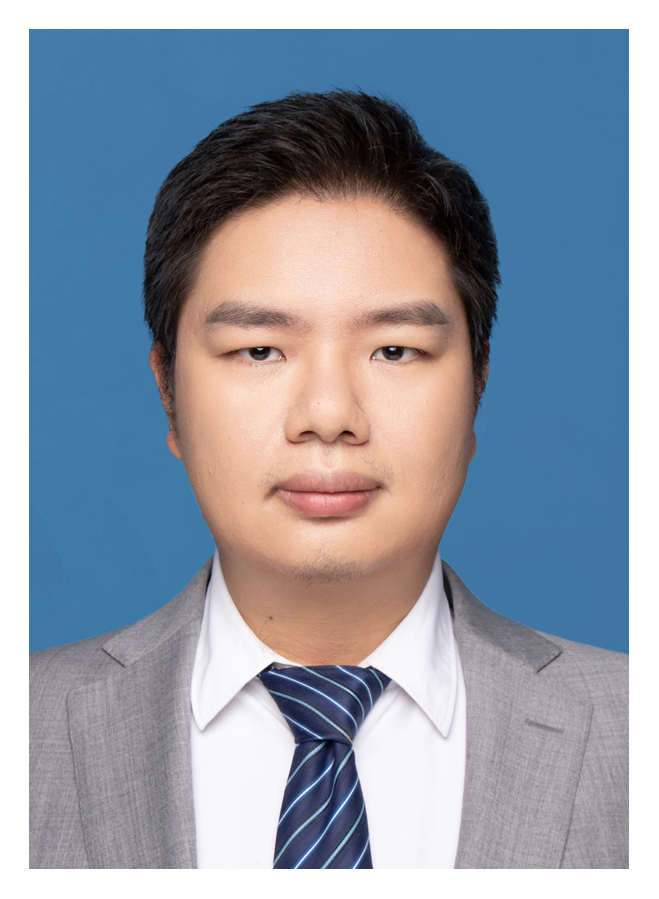
- 头像图片: 放在
images/profile.jpg,在_config.yml中引用/images/profile.jpg - CNAME 文件: 包含
www.gaoruiyang.cn,用于自定义域名,不要删除 - YAML 格式: 编辑
.md文件时注意保持 YAML 头部的---标记